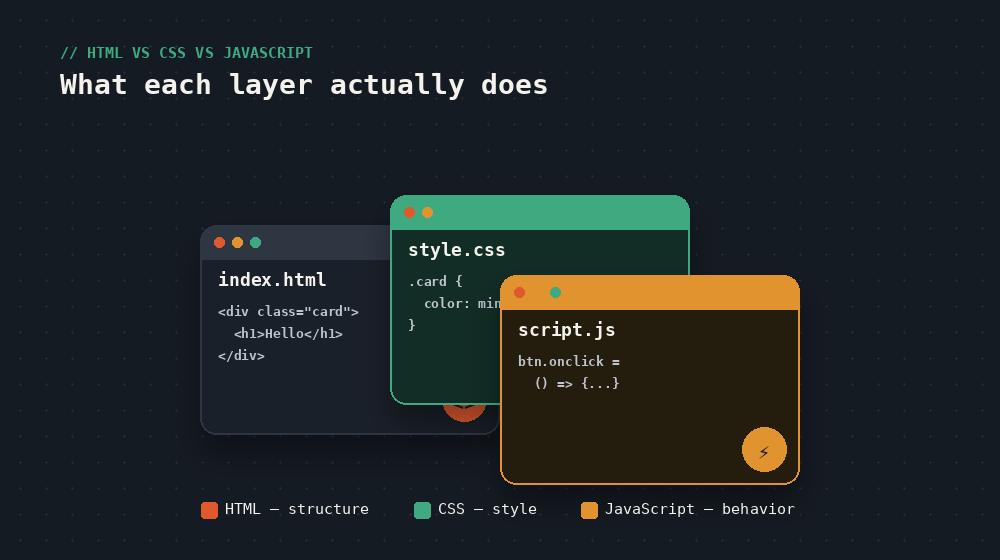
The house analogy
| Language | Job | Like a house's... |
|---|---|---|
| HTML | Structure and content | Frame, walls, rooms |
| CSS | Appearance and layout | Paint, furniture, decor |
| JavaScript | Behavior and interactivity | Electricity, doors that open, lights that turn on |
A house with just a frame is livable but bare. Add paint and furniture, and it looks like somewhere you'd want to be. Add working lights, doors, and outlets, and it actually functions day to day. Web pages work the same way — each layer builds on the one before it.
HTML: what's actually on the page
HTML (HyperText Markup Language) labels content: this is a heading, this is a paragraph, this is a button, this is an image. Without any styling at all, a page built purely in HTML still works — it just looks like a plain document, all default black text on white, top to bottom.
CSS: how it looks
CSS (Cascading Style Sheets) controls color, spacing, fonts, and layout — everything about how HTML content is presented. The same HTML can look completely different depending on the CSS applied to it: that's genuinely the entire job of CSS, separate from what the content actually is.
JavaScript: what happens when you interact with it
JavaScript adds behavior — things that happen in response to clicks, typing, scrolling, or time passing. A dropdown menu that opens, a form that validates your email before submitting, content that loads without refreshing the page — none of that is possible with HTML or CSS alone.
A concrete example, side by side
Take a single button on a page:
- HTML creates the button and labels its text: "Subscribe"
- CSS makes it green, rounded, with padding so it doesn't look cramped
- JavaScript makes something actually happen when you click it — showing a confirmation, submitting a form, opening a menu
Remove any one layer and the button either doesn't exist, looks broken, or does nothing when clicked. All three working together is what makes a "button" feel like a real, usable piece of software.
Do you need to learn them in order?
Yes, and for a practical reason: CSS styles HTML elements, so you need something to style before styling makes sense. And JavaScript frequently manipulates both HTML structure and CSS styles directly, so understanding what you're manipulating first makes JavaScript click much faster.
Are these the only three?
For the core of a webpage's front end, yes — but you'll also hear about frameworks and libraries (React, Vue, Tailwind, and many others) that are built using these three languages, not replacements for them. Learning HTML, CSS, and JavaScript well is what makes any of those tools make sense later, rather than feeling like unexplainable magic.
Reading about it is step one. The devnotes courses are where you actually build it — hands-on, one short lesson at a time.